Design
Fewer steps between your users and what they came for.
For products losing people in sign-up, forms or checkout, and websites that no longer match the business. Research, UX, UI and design systems, tested with real users.
7 min
average time to finish a Univacity application, down from 25 min
The problem
Where good products lose people.
- 01
Users drop off
People start sign-up or checkout and never finish.
- 02
An outdated website
The site describes the company you were a few years ago.
- 03
Processes stuck in forms
Customers fill in a form, and your team retypes it into a spreadsheet.
- 04
An inconsistent interface
Every screen was designed on its own, and it shows.
What's included
Designs your engineers can build and your users can finish.
- 01
UX research and flows
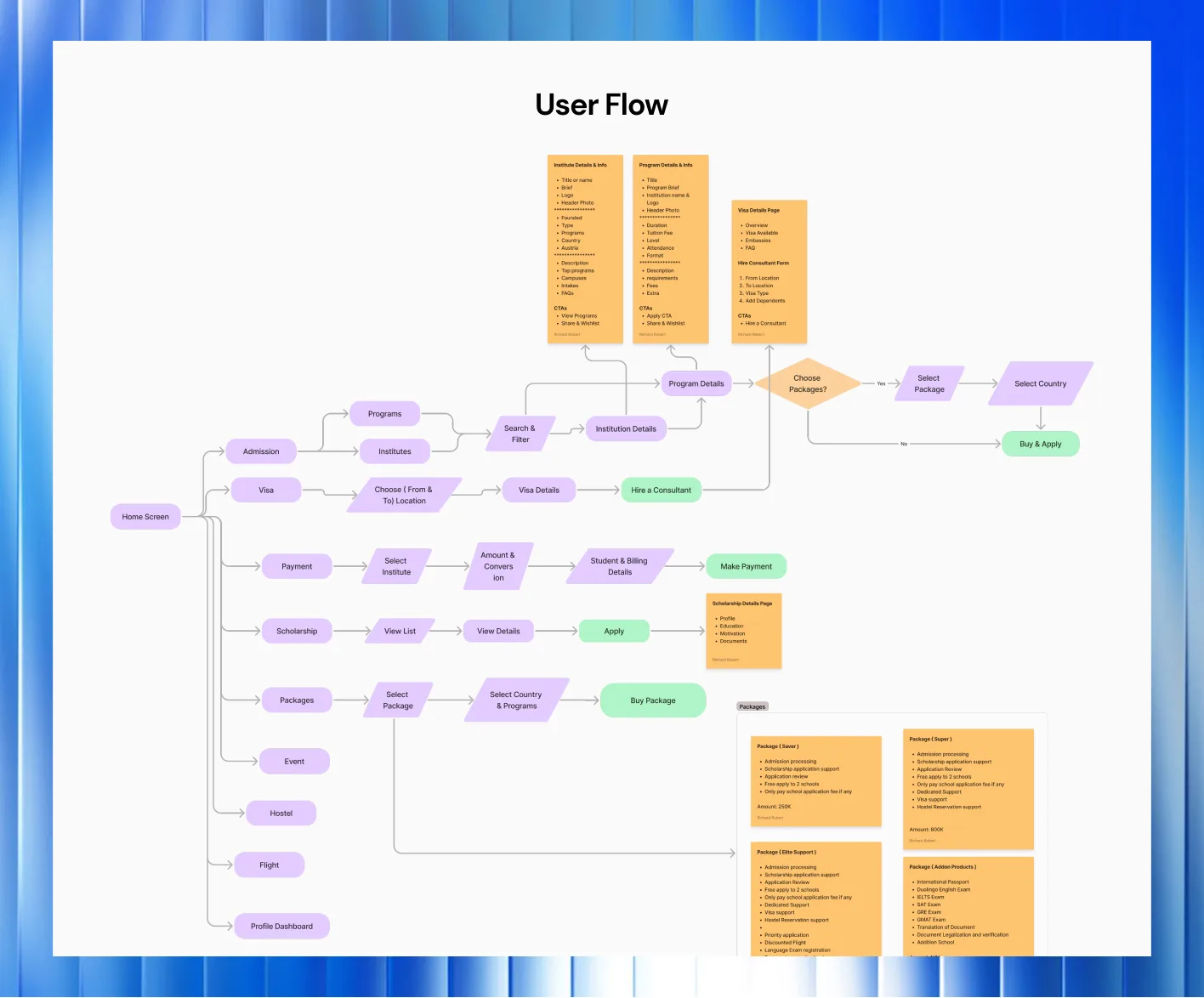
Journeys mapped from real users, with the drop-off points marked.
- 02
UI design
Interfaces with a clear hierarchy, built from a component system.
- 03
Web design
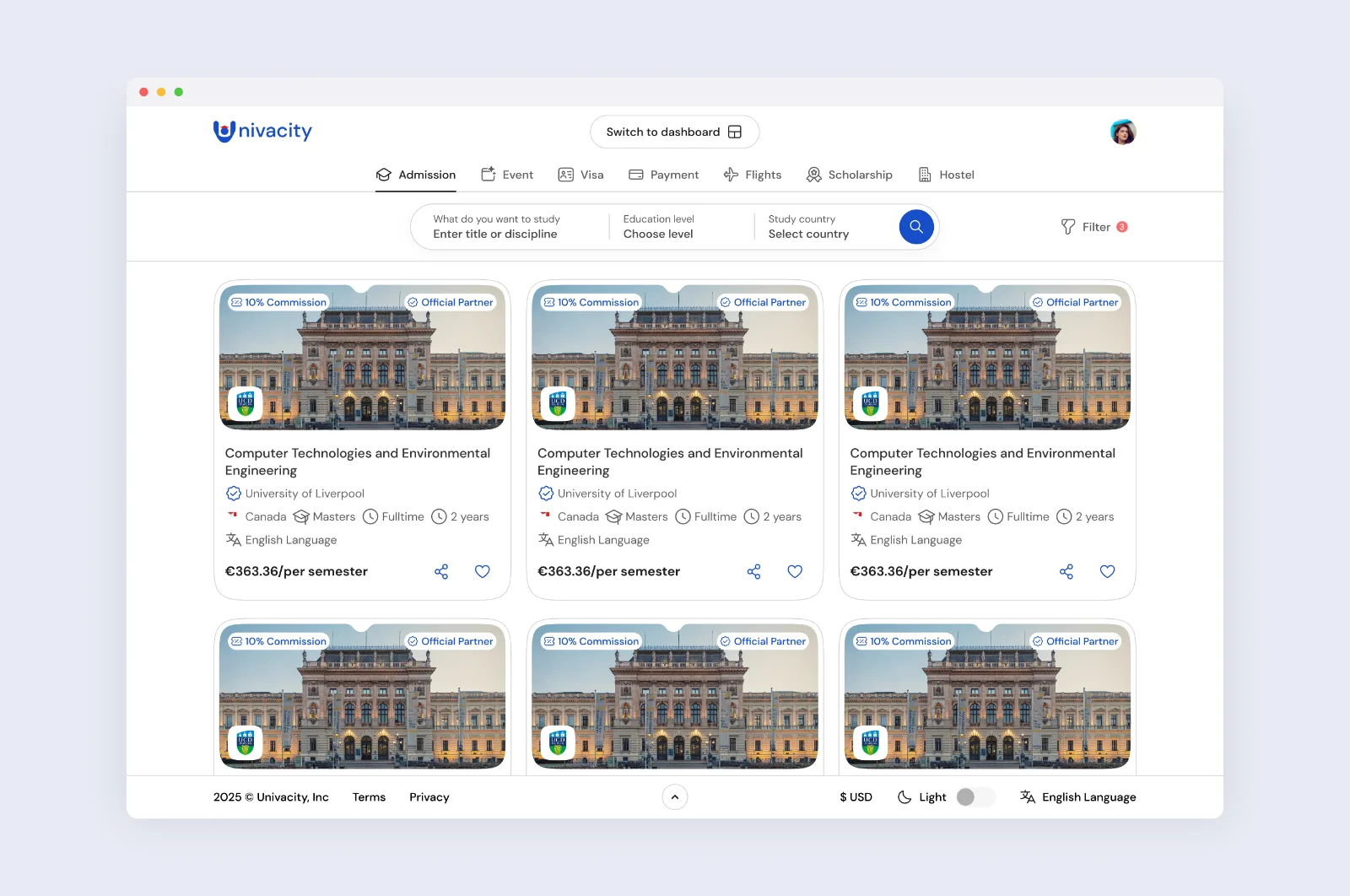
Marketing sites and platforms, responsive from the first wireframe.
- 04
Product design
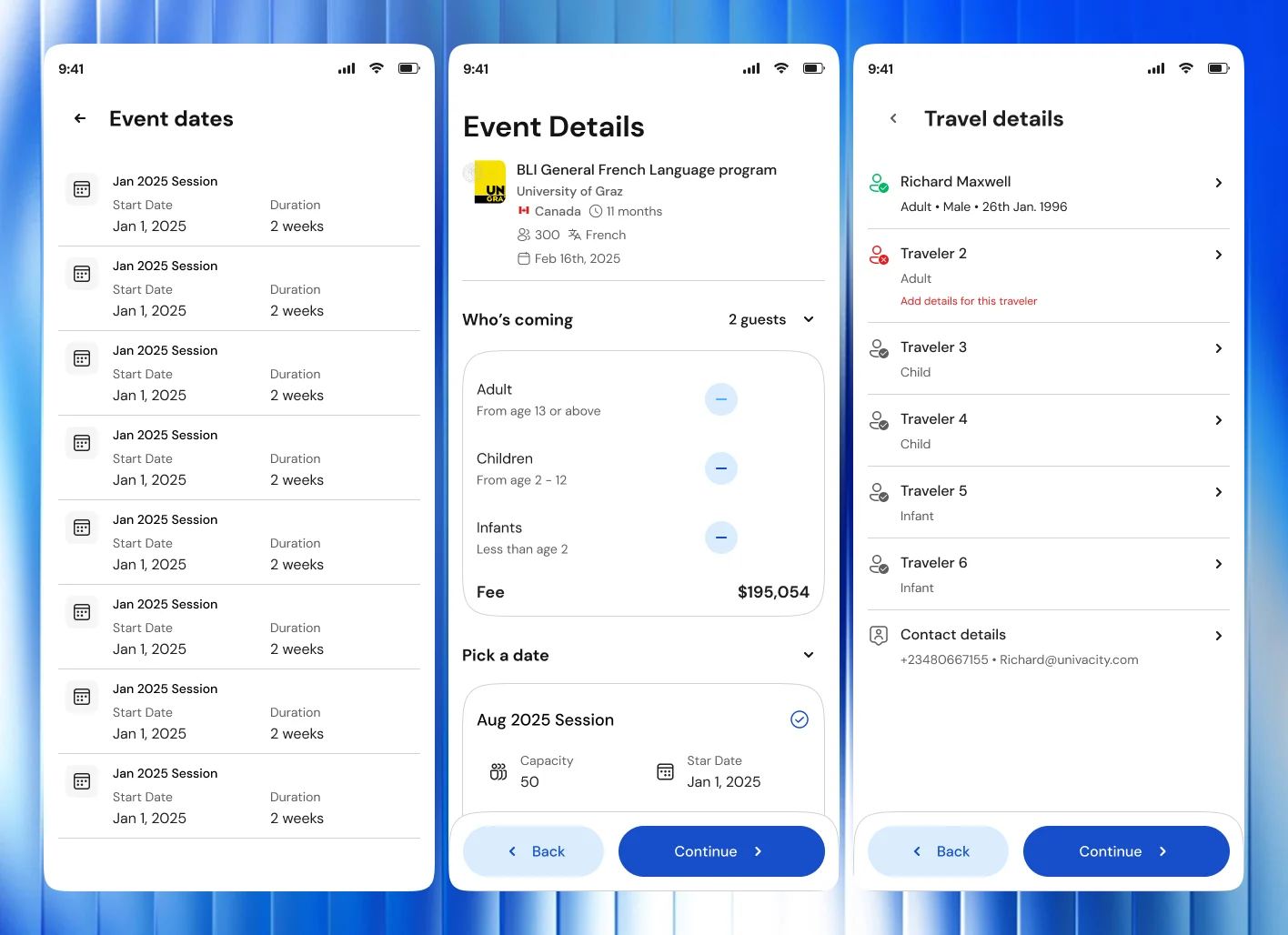
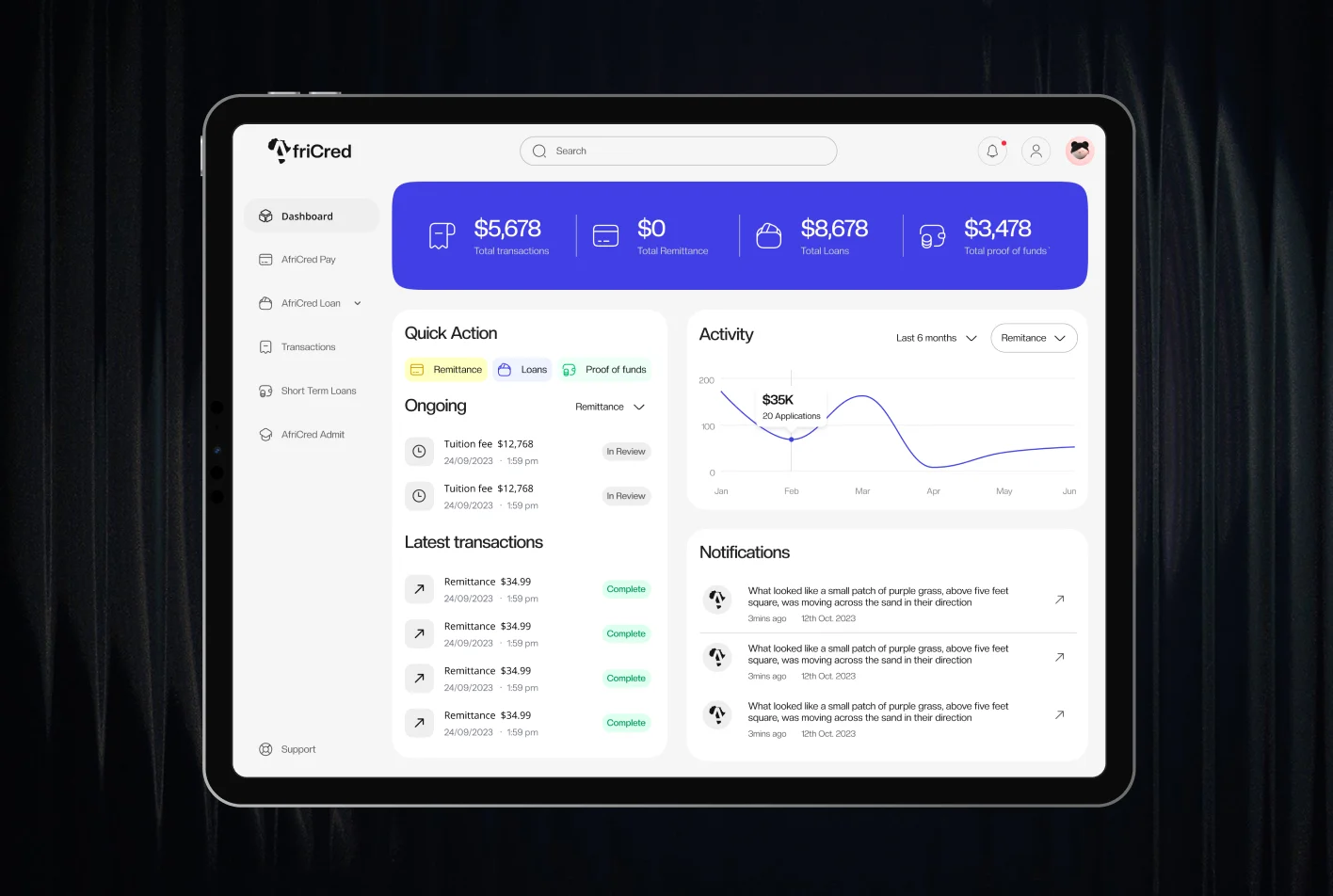
Apps and dashboards for complicated jobs like loans, applications and bookings.
- 05
Design systems
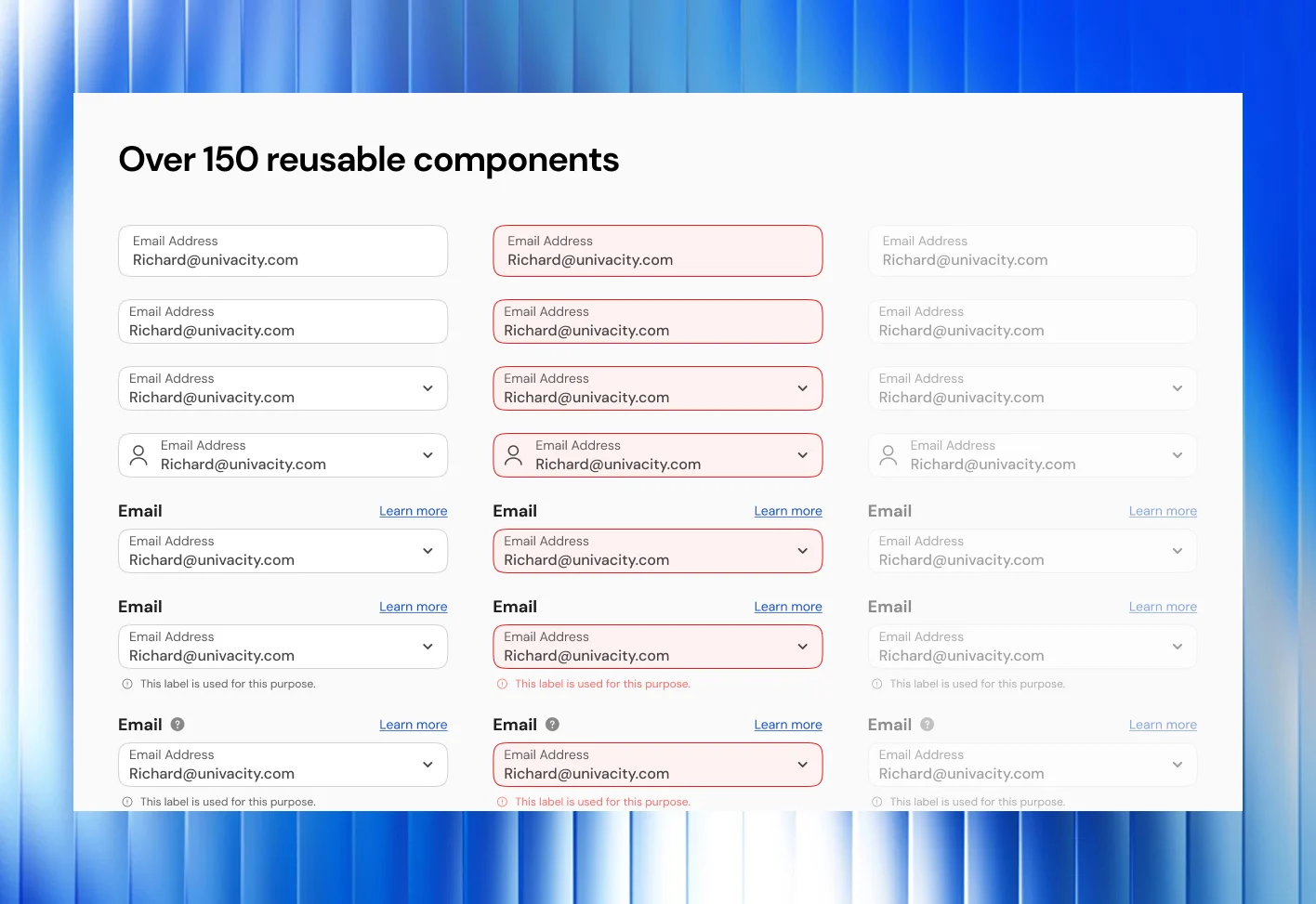
Shared components and tokens, so web and mobile stay in step. Univacity Web shares 64 design tokens with its app.
- 06
Prototyping and usability testing
Interactive prototypes tested with users before anything is built.
AI in this stage
Get a testable prototype in front of your users sooner.
What AI does
- Builds rapid prototypes from wireframes for early testing
- Turns approved designs into starter code for engineers
- Checks screens for accessibility and consistency issues
- Summarises usability test sessions
What our people do
- Research your users and map the journeys
- Design every screen and interaction
- Run the usability tests and judge the results
- Hold the build to the design through launch
You put real flows in front of real users earlier, and fewer design problems reach the code.
How it runs
Tested with your users before it's built.
- 01
Discovery
Your users, your goals and where the current journey loses people.
- 02
Flows and wireframes
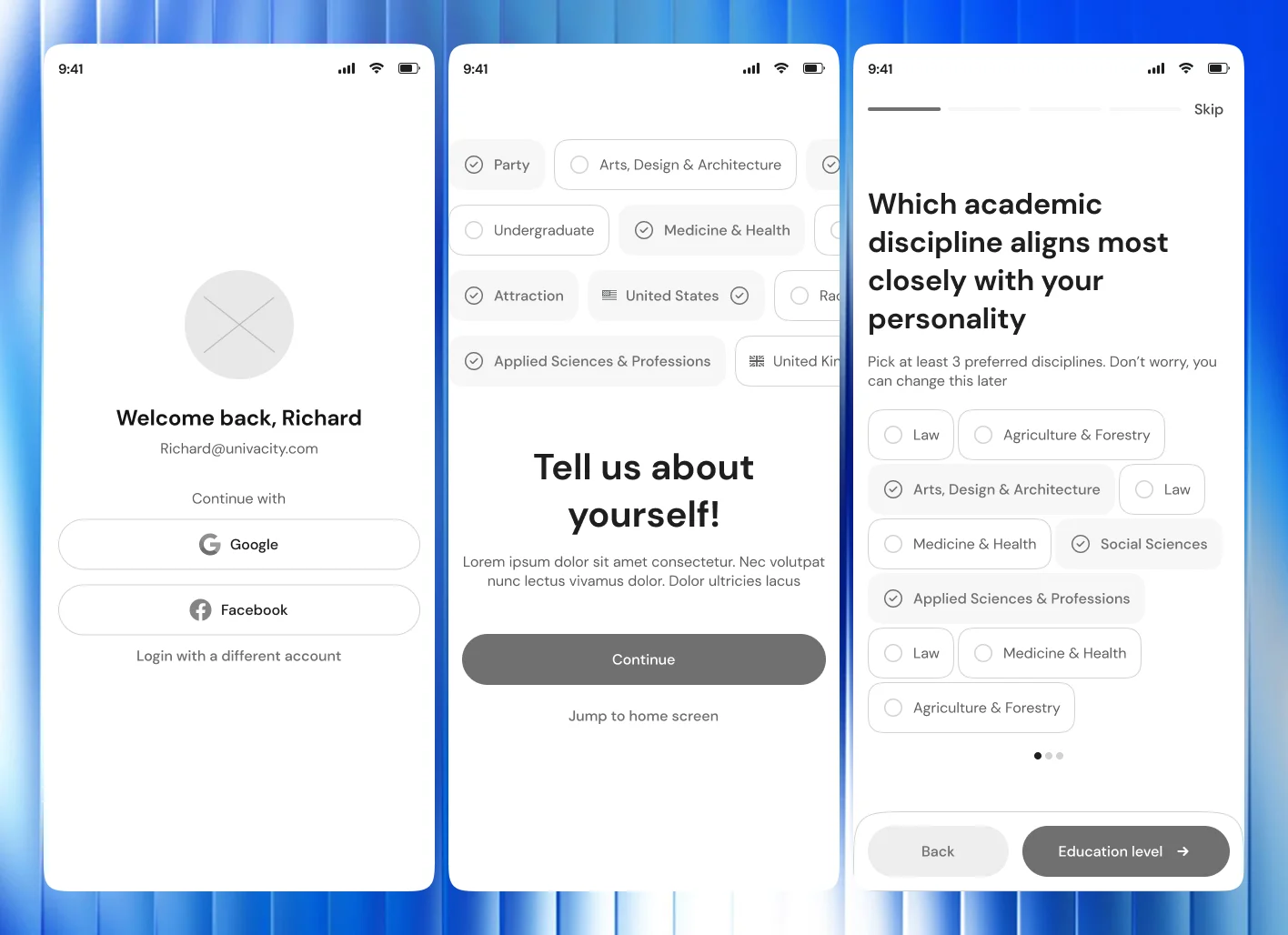
The structure, tested before it's polished. The Univacity app went through over 60 wireframes.
- 03
Prototypes and testing
Interactive prototypes tested with users, remotely in Maze and in person.
- 04
UI and design system
Final screens, and the components and tokens behind them.
- 05
Build support and design QA
We work with the engineers until the shipped product matches the design.
Questions
Design questions, answered plainly.
How is design priced?
By scope: how many journeys and platforms, and how much research is needed. You get a written proposal after a discovery call.
Can you work with our own engineers?
Yes. On Univacity Web we built a shared Figma-to-code design system with the frontend engineers.
Do you design for low-end phones and weak connections?
Yes. We designed Univacity and Tino for people on Android phones with little storage and unstable internet.
Do you test with real users?
Yes. Univacity Web went through usability testing with 24 participants across 4 countries.
Start a project
Tell us what you're building. A few lines is enough.
We'll read them, ask what we need to know and suggest a sensible first step.